
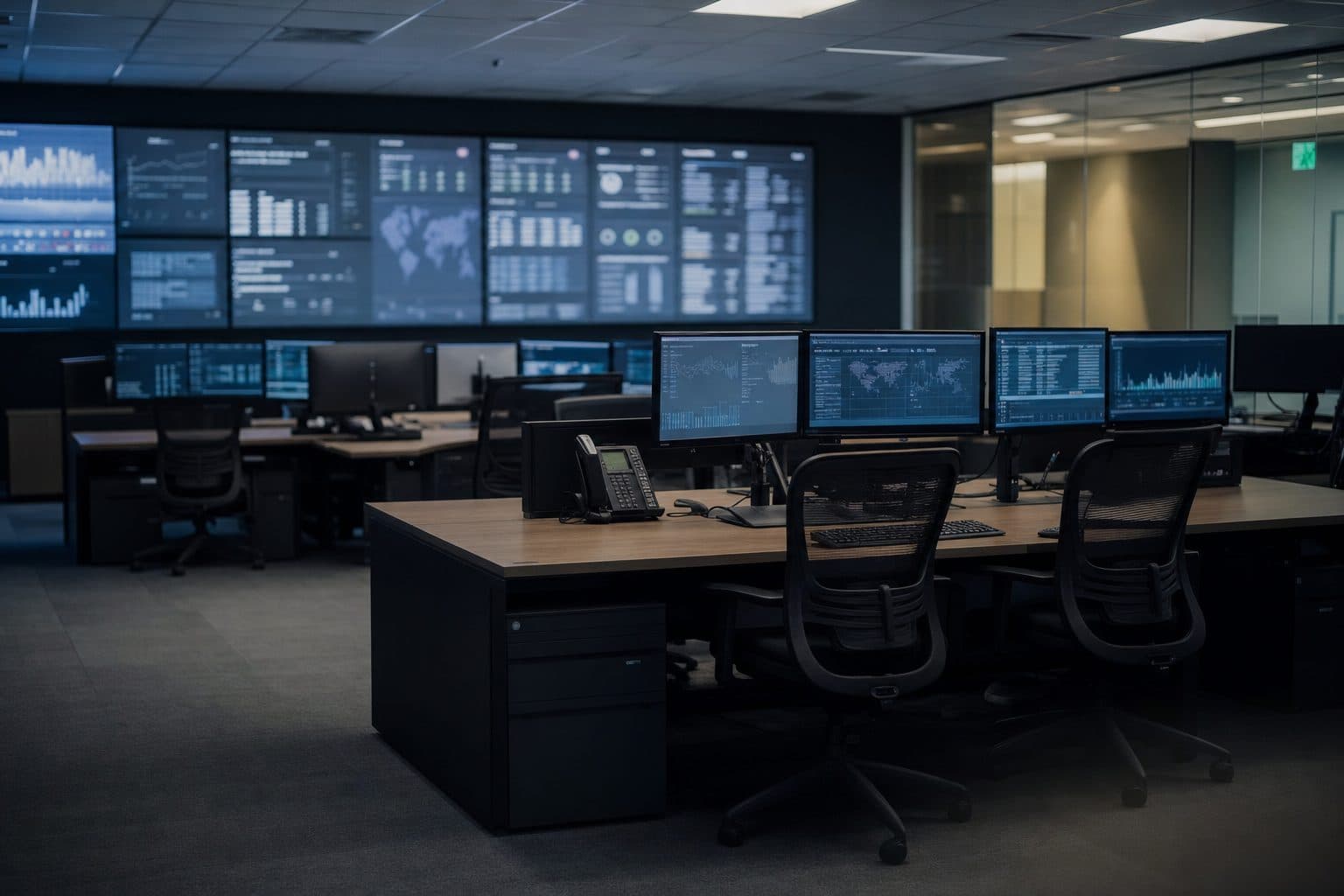
Microsoft Defender findings.
Prioritised and trackable
The Blackfort Security Bridge turns Defender recommendations and vulnerabilities into structured remediation workflows in Jira – with ownership, filter logic and a DORA/NIS2-ready audit trail.
Built by a German cybersecurity consultancyOn-premises deployableNo external data transfer
A real run, not a worked example
These figures come from the demonstrator we run the Bridge on ourselves – one run against a live Defender tenant, the result in a live Jira project. In the demo we reproduce the same sequence for your environment.
- 6,258
- CVE findings from Defender
- The pile a single run starts with.
- 136
- Recommendations after consolidation
- Related findings are grouped instead of passed through one by one.
- 83
- Tickets with an owning team
- Spread across six Jira components. Every ticket has an address.
- 0
- Duplicates on the second run
- The repeat run reported 183 unchanged issues and wrote nothing.
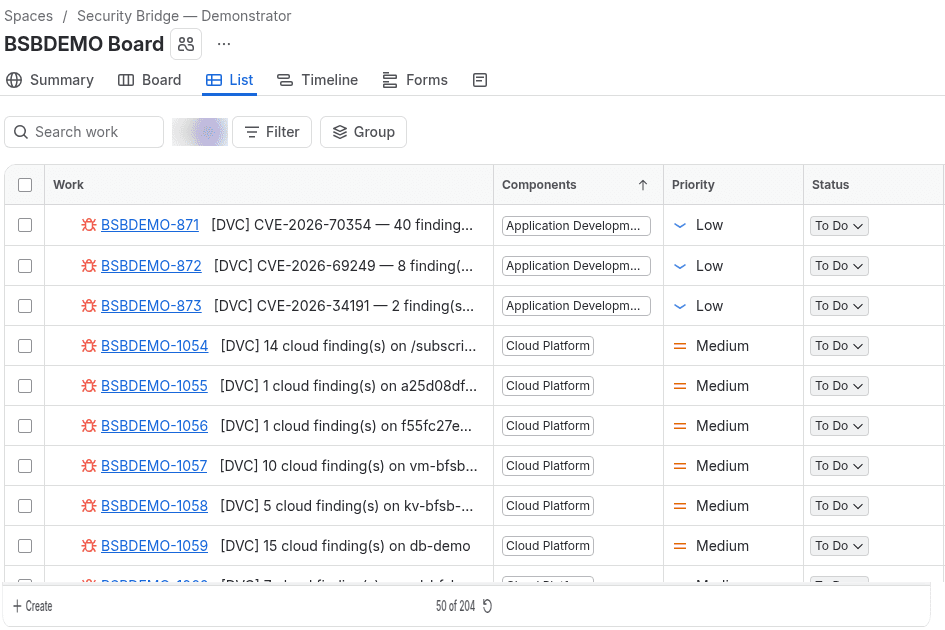
The sequence in just over half a minute
Defender shows the finding and stops there. What is missing afterwards is the route to the team that has to patch – and that is what the short film shows.
Why Defender remediation fails in practice
Too many findings
Security teams drown in Defender recommendations. Without filtering, either everything or nothing lands in the backlog.
No ownership
Critical findings stay unassigned. Nobody owns them, nothing gets fixed.
No scalable process
Copying tickets from findings by hand ties up security time, invites mistakes and leaves nothing an auditor can follow.
No compliance evidence
DORA and NIS2 require gapless documentation. A manual process structurally fails this requirement.
From Defender finding to closed Jira ticket
Microsoft Defender, potentially others
Findings and recommendations from vulnerability scanners
Risk-based filter
Configurable rules: which findings become tickets? By severity, type, asset group
Prioritisation & ownership
Automatic assignment to owners, SLA classes and Jira projects
Jira workflow
The team works in its own board; progress is read back via a JQL reconciliation
Audit trail
Full log with timestamp, owner and status history – DORA/NIS2-ready
Microsoft Defender, potentially others
Findings and recommendations from vulnerability scanners
Risk-based filter
Configurable rules: which findings become tickets? By severity, type, asset group
Prioritisation & ownership
Automatic assignment to owners, SLA classes and Jira projects
Jira workflow
The team works in its own board; progress is read back via a JQL reconciliation
Audit trail
Full log with timestamp, owner and status history – DORA/NIS2-ready


No out-of-the-box connector – Security Bridge instead of in-house development
To our knowledge, Microsoft does not offer an out-of-the-box Defender → Jira connector. Only ARM templates are available on GitHub – a DIY approach that requires Azure expertise, in-house development and ongoing operations.
| DIY (Logic Apps + Azure Functions) | Blackfort Security Bridge | |
|---|---|---|
| Deployment | Weeks of in-house development | 1–3 days |
| Filter logic | Must be built manually | Built-in, configurable |
| Prioritisation | Not included | Severity- and exposure-based |
| Ownership | Not available | Automatic assignment |
| Audit trail | Must be retrofitted | DORA/NIS2-ready, out of the box |
| Maintenance | Fully on you | Optionally operated by Blackfort |
What the Security Bridge delivers
Risk-based filtering
Configurable rules by severity, asset class and recommendation type. Not every finding becomes a ticket.
Automatic ticket creation
Defender findings are turned into fully structured Jira issues – with context, priority and assignment.
Lifecycle, not a one-way street
When a finding disappears from Defender, the Bridge detects it during the full reconciliation and closes the corresponding ticket – with a Jira transition if you want one. Defender stays the source of truth; nothing is written back to it.
Smart deduplication
Multiple alerts on the same incident are bundled. No ticket flooding, no duplicate work.
Ownership instead of a shared inbox
Every ticket carries the team that has to act on it — through the Jira component, and optionally as a named assignee. You define the rules that decide this.
DORA/NIS2-ready audit trail
Full log of every action with timestamp, owner and status history for auditors.
What it costs
A usage-based monthly subscription, billed on the volume you actually protect. Work out your own environment below – the scale is published so you know what we are talking about before the first call.
Billing is based on the number of protected units. Endpoints and cloud resources use the same scale; with mixed sources they are metered side by side.
that is €4,200.00 per year
How the amount adds up
Endpoints (Defender for Endpoint)
| Tier | Units | Rate | Amount |
|---|---|---|---|
| 1–10 | 10 | free | €0.00 |
| 11–50 | 40 | €1.00 | €40.00 |
| 51–250 | 200 | €0.80 | €160.00 |
| 251–1,000 | 250 | €0.60 | €150.00 |
| Total | €350.00 | ||
- All amounts exclude VAT.
- Tiers are added up marginally: each rate applies only to the units inside its own tier.
- Self-hosted as a flat annual licence — on request.
Built for regulated environments
Developed by a German cybersecurity consultancy with experience in banking, insurance and critical infrastructure. Audit trail, documentation and process control are core capabilities.
Request a demo
We walk you through a run on our own demonstrator: from the Defender findings through the rules to the tickets on the Jira board. Around 30 minutes, nothing to prepare on your side.
Prefer to ask a question first? The full contact form is at Contact.
Frequently asked questions
Why not just use a Microsoft-native connector?
Which Jira versions are supported?
How long does setup take?
How is prioritisation controlled?
Is the solution suitable for regulated industries?
What happens during a connectivity outage?
Bring Defender remediation under control
Talk to us about your environment. Demo, pilot project or a direct quote – we adapt to your process.